 Life Guardian
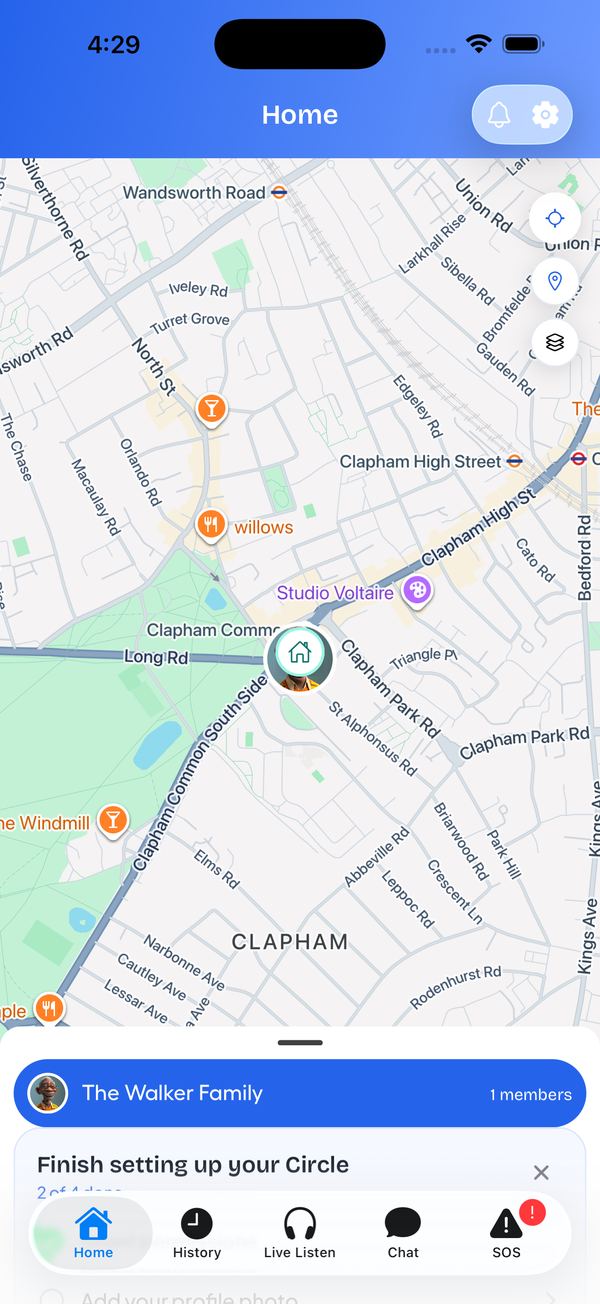
Live location for everyone in your circle.
Live location, Safe Place alerts and one-tap SOS for kids, teens and the parents who raised you.
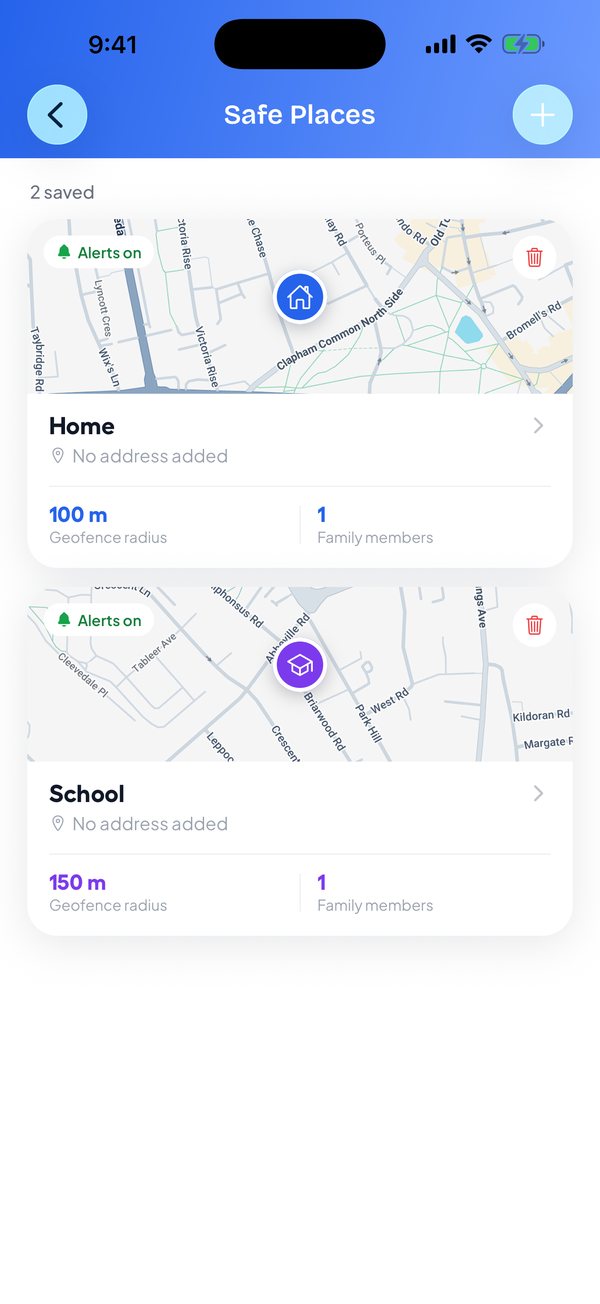
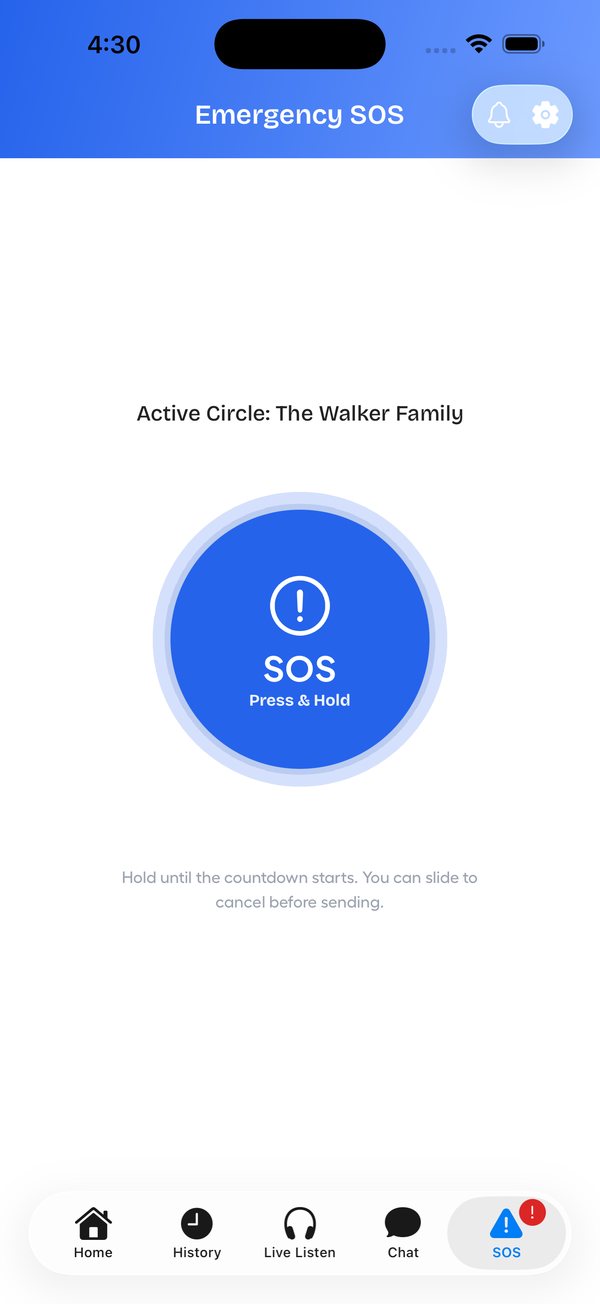
Everything you need to look out for each other, working quietly in the background.
Live location for everyone in your circle.
Home, school or work, with alerts when they arrive.
Press and hold, with a countdown and slide to cancel.
Every drive and walk, with distance and speed.
Hear your child's surroundings, only with their consent.
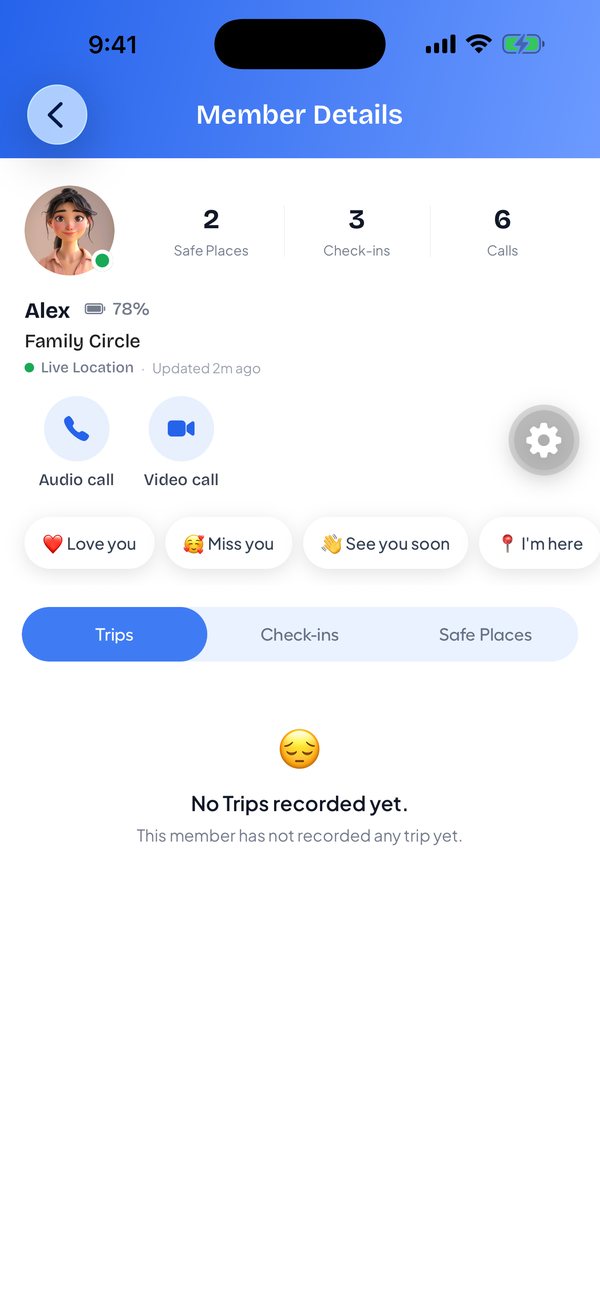
Audio and video calls, plus one-tap "Love you" notes.
Text and voice notes next to the map.
Your circle is alerted if a possible crash is detected.
When something feels wrong, your whole circle knows where you are in seconds. No typing, no searching for contacts.
Most family apps stop at kids. Life Guardian looks after everyone in your circle.
See your whole circle on one map, switch between circles, and check everyone's battery level before you call.
Every trip is saved with its route and times, plus the details that matter for new drivers.
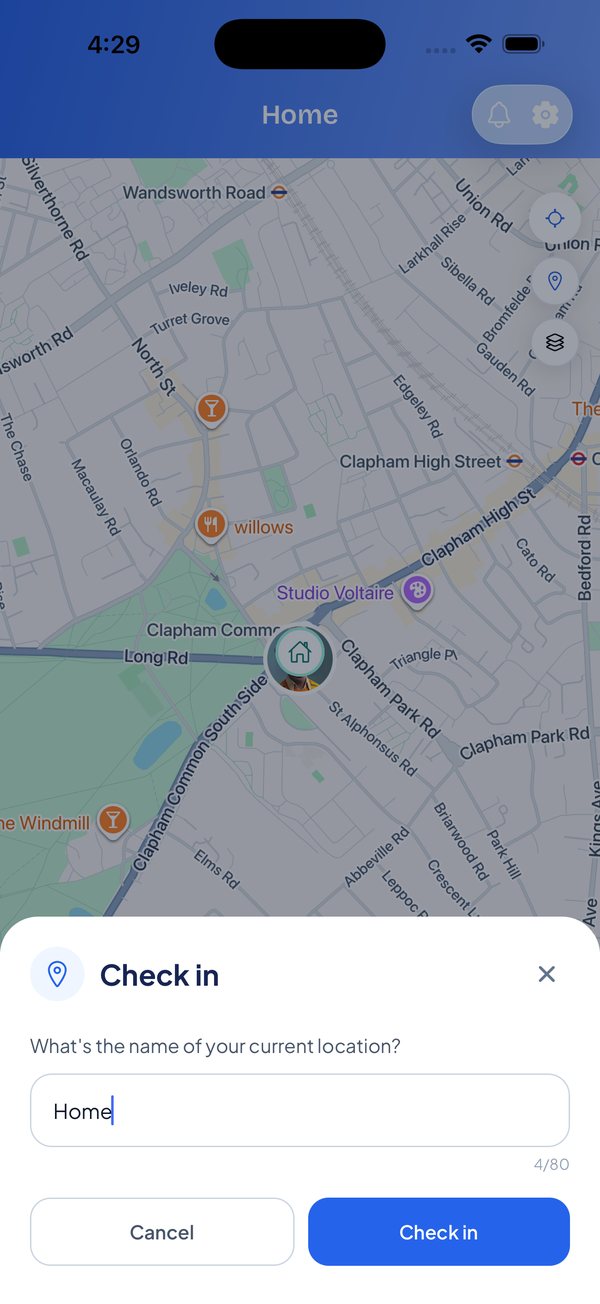
Check-ins show where and when someone said they're OK, so you can relax without calling every hour.
Up and running in a few minutes. Only the person who creates the circle needs Premium.
Get the app on the App Store or Google Play. It works on both, so mixed iPhone and Android families are fine.
Create your own circle with Premium. If a family member already has one, join it for free with their invite.
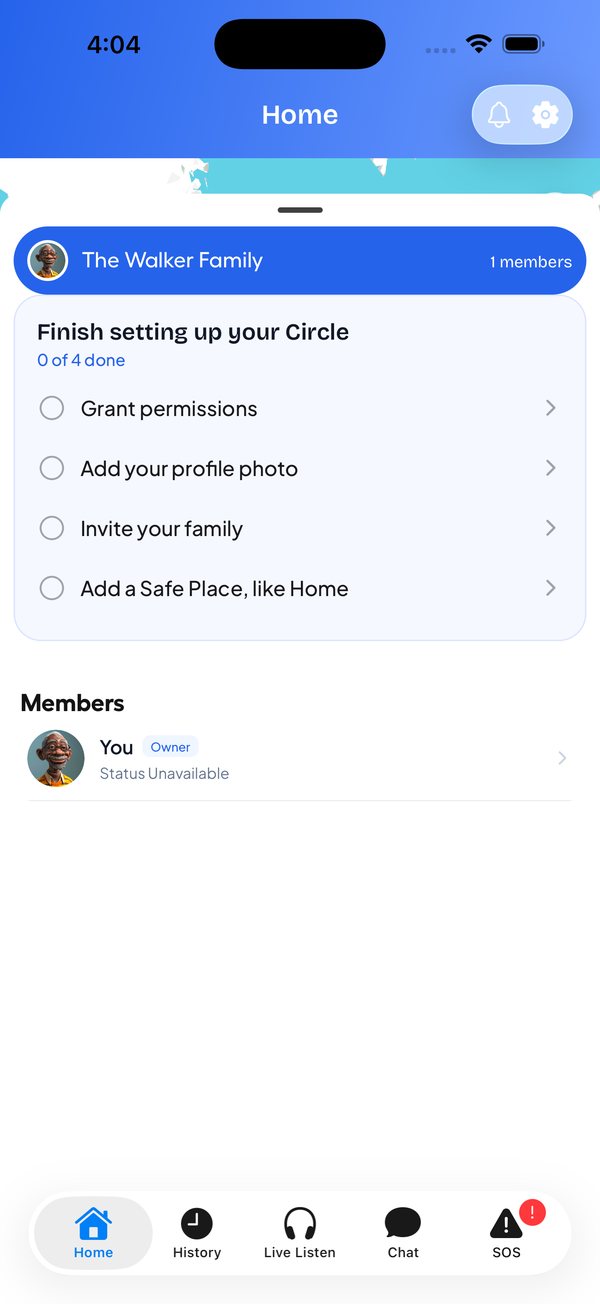
Send an invite to your kids, partner or parents. Each person accepts and chooses to share their location.
See everyone on the map, get Safe Place alerts, check in, chat, and press SOS when it matters.
Location is some of the most personal data there is. Life Guardian only uses it to keep your family safe.
No banners and no sponsored pins between you and your family.
Your location keeps your family safe. It isn't sold to anyone.
Everyone chooses to join and can pause sharing anytime.
Only people you invite see you, and each circle stays separate.
Joining a family member's circle is free. Go Premium to create your own circle and invite your family.
For family members who are invited
About £4.17 a month, save 16%
Cancel anytime
UK prices shown. New subscribers may be eligible for a 7-day free trial. Subscriptions renew automatically and can be cancelled in your App Store or Google Play settings.
Create your circle with Premium, and your family can join free on iPhone and Android.
Comparing apps? Read our guide to the best family tracking apps in the UK, or see the best Life360 alternatives.
No. Everyone joins a circle by accepting an invite and choosing to share their location, and anyone can pause sharing at any time.
No. The app has no ads, and we don't sell personal data, including location, to anyone.
Yes. Families can mix iPhone and Android, and everyone appears on the same map.
Yes. Once they join a Care Circle, location sharing runs in the background. Check-ins and SOS are a single tap.
They press and hold the SOS button, a countdown starts, and they can slide to cancel. If they don't, an alert with their location goes to their active circle. Life Guardian doesn't replace emergency services, so always call your local emergency number in an emergency.
Live Listen only works for members who have granted consent in the app. Each member's consent status is shown clearly, and they stay in control.
No. Only the person who creates the circle needs Premium. Family members you invite can join that circle for free.
Yes. You can have circles you created and circles you've joined, for example one for family and one for relatives, and switch between them.
Subscriptions are managed by Apple or Google. Cancel anytime in your App Store or Google Play subscription settings, and Premium stays active until the end of the period you paid for.
Life Guardian is free to download, and joining a circle you've been invited to is free. To create your own circle and invite others, you need Premium at £4.99 a month or £49.99 a year in the UK. Prices in other countries are shown in local currency in the app, and new subscribers may be eligible for a 7-day free trial.
Our support team is happy to help with setup, circles, subscriptions or anything else.